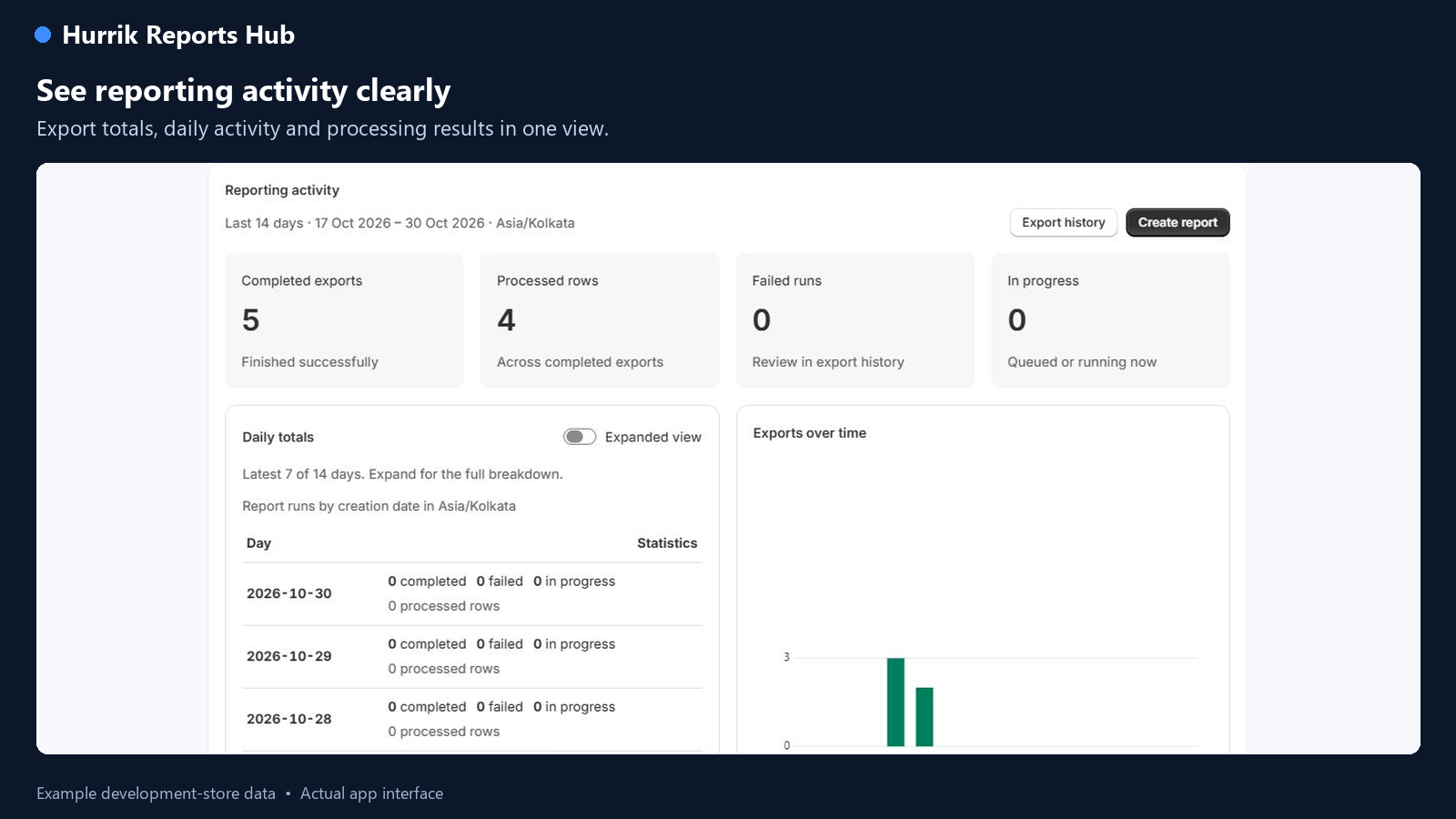
Start with a template, shape the columns and make the result work for the people who use it.
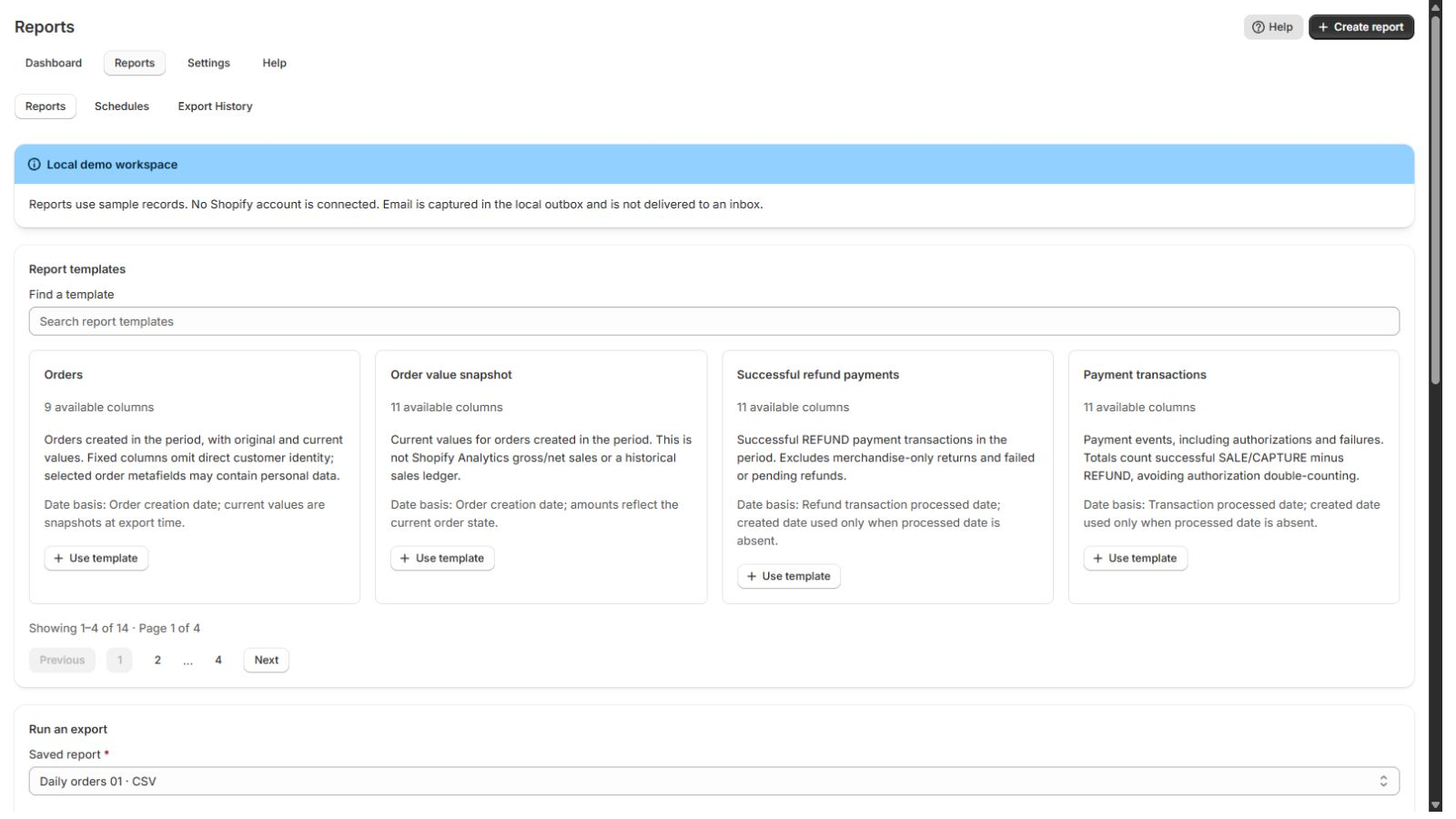
Start from a useful template
Explore orders, payment transactions, refunds, Shopify Payments payouts, products and inventory where the store grants access.
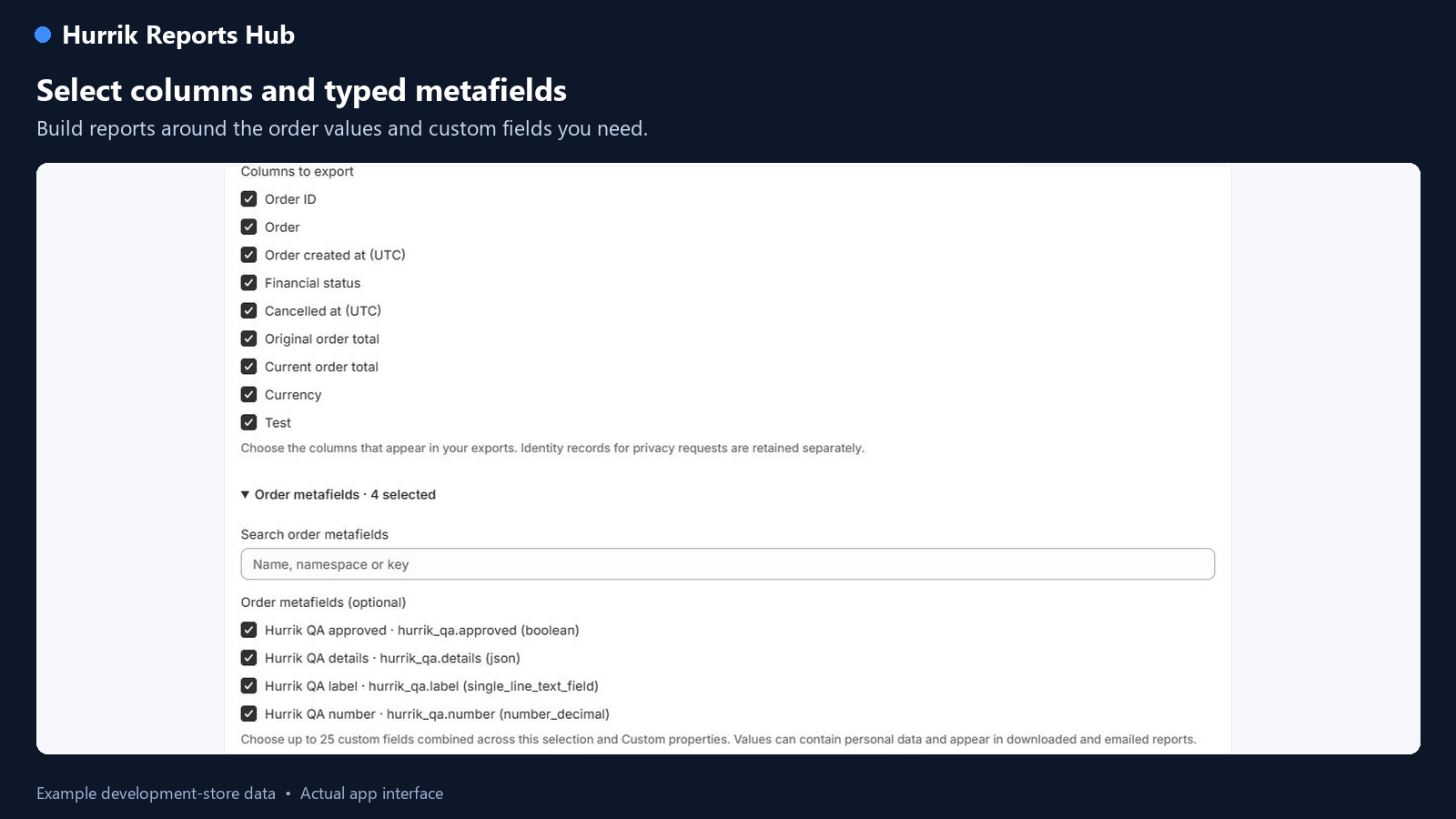
Go beyond standard columns
Include supported metafields and custom properties. Configure filters, formulas, grouping and pivots on eligible plans, then save the report for another day.
Use the format you need
Download CSV and Excel on Free. Paid plans also include PDF and JSON for shareable documents and structured data.
Put recurring work on a schedule
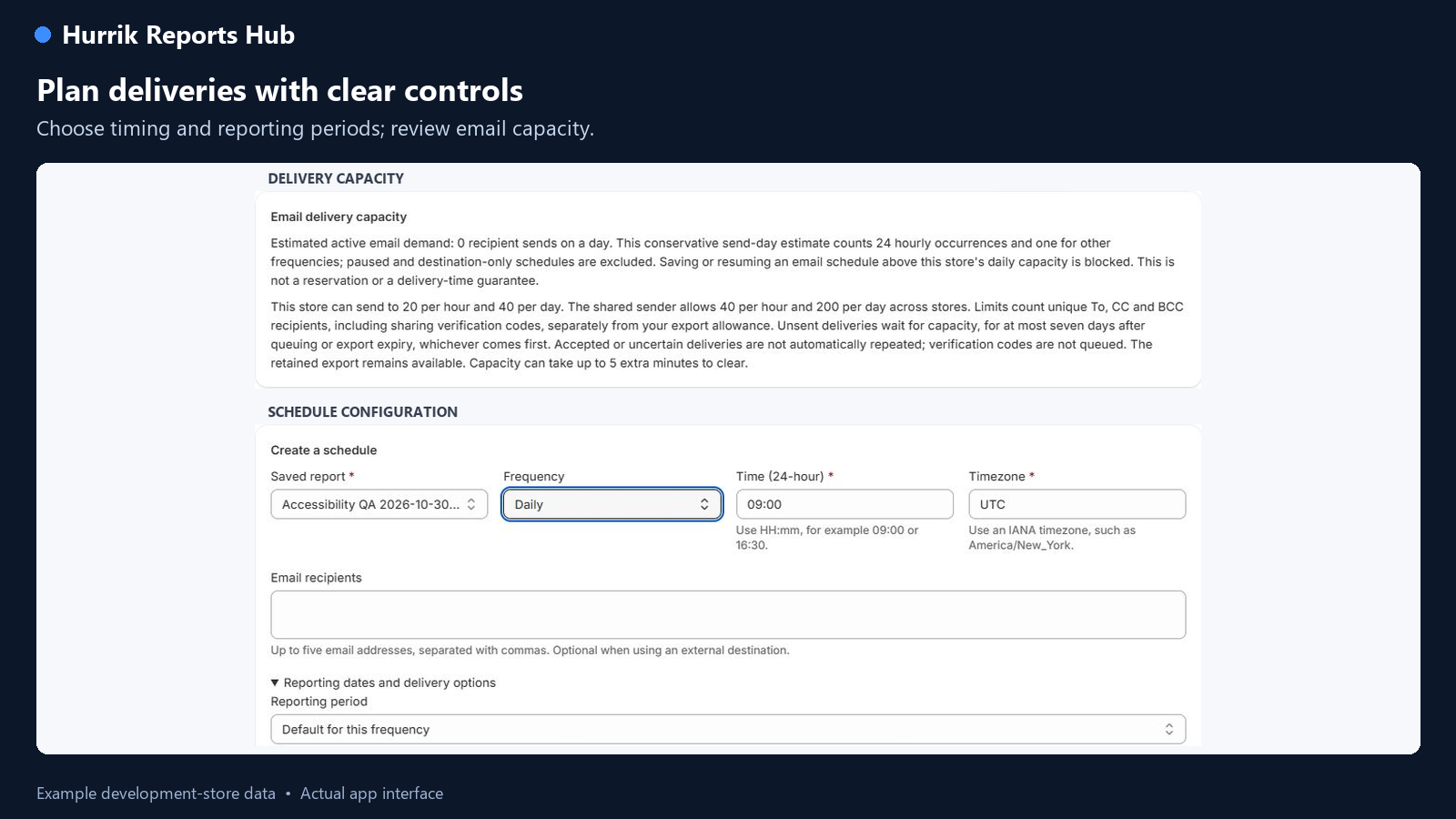
On a plan with scheduling, set frequency, timezone and recipients. Configure delivery messages and skip empty results when appropriate.
Connect the next step
On Grow, Advanced and Plus, connect your own Google Drive, Google Sheets, Slack, SFTP or FTPS destination. Basic supports email delivery. Email recipient limits apply across paid plans.
Choose fresh or recently synced data
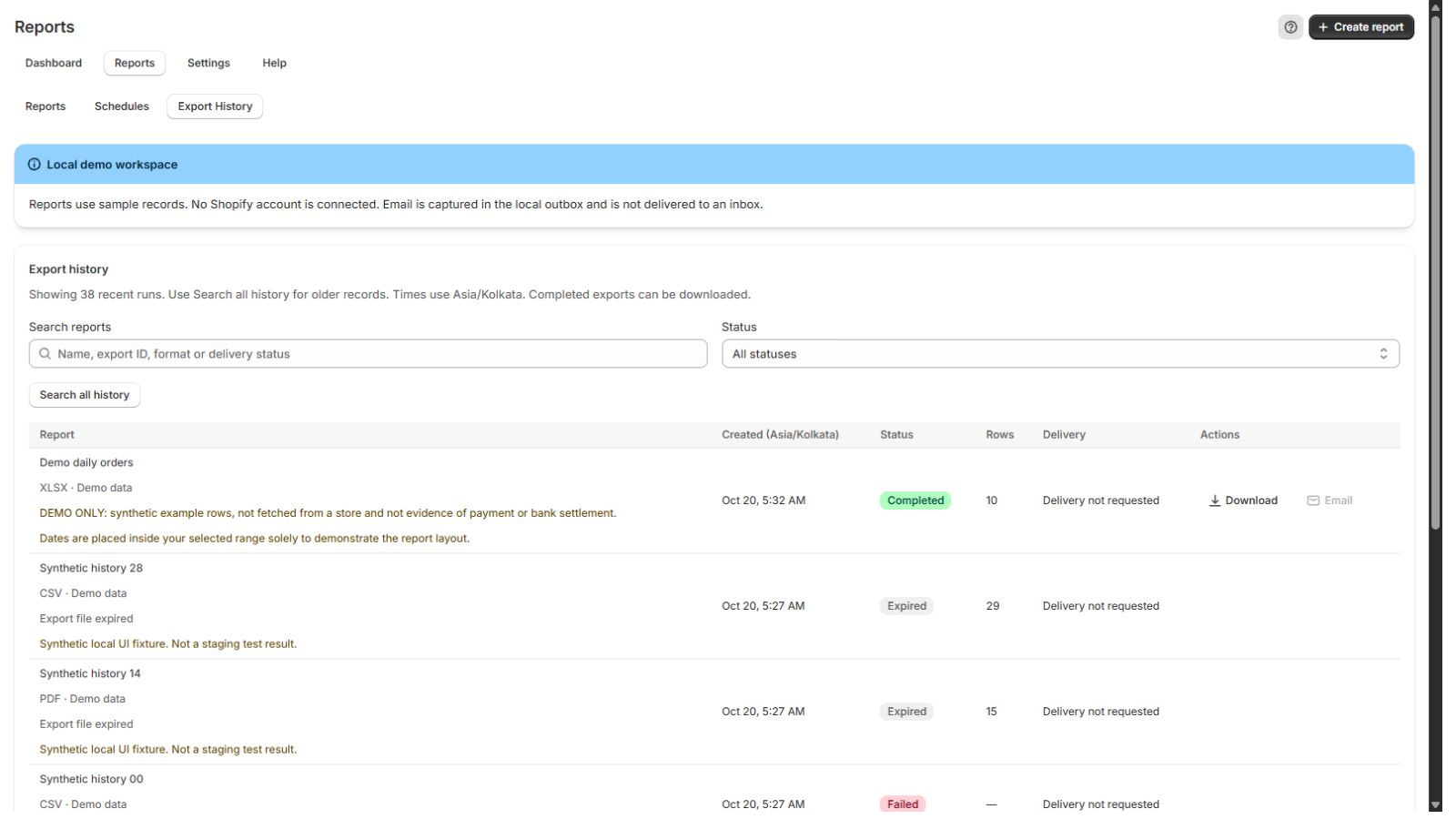
Use eligible recent sync data for supported manual reports or request current Shopify data. Follow sync progress and inspect run and delivery status.
Capabilities depend on your selected plan, Shopify permissions, data availability and connected providers. A provider accepting a delivery is not the same as the recipient receiving it. Payout reports require Shopify Payments access; snapshots are not accounting reports.
Simple monthly pricing
Start small. Room to grow.
After installation, choose your plan in Shopify. Start on Free and approve a paid plan when you need more capacity or delivery options.
Paid-plan email delivery: 20 recipient sends per hour and 40 per day per store; shared sender limits also apply. Recipient sends are separate from export-run allowances. Recurring charges are billed every 30 days. Shopify confirms billing currency, conversion and applicable taxes before approval. “Plus” is a Hurrik plan name, not a Shopify Plus subscription.
Google Sheets accepts CSV, Excel or JSON delivery, not PDF. Connected destinations require your own account and permissions; provider limits also apply.
It includes Shopify Payments payout reporting when the store uses Shopify Payments and grants the required access. Orders, payment transactions and bank payouts are different datasets; reconcile reports against the matching source. A snapshot is not a bank settlement confirmation or an accounting report.
What data does the app access? +
Reports use the read access approved during installation or when you enable optional reporting datasets. The report fields described here omit customer names, email addresses, phone numbers and addresses. Review the current installation permissions and app privacy policy before connecting your store.
Can I schedule reports for my finance team? +
Yes, on a paid plan with scheduling. Configure recipients and supported destinations explicitly, check delivery limits, then review job history. A successful provider response confirms processing, not that a person read the report. This website does not connect accounts or send reports.
A good next step
Something in mind? Let’s make it work.
A new storefront. A useful app. An integration that finally connects the dots.